
One sentence
KnobShift turns the iPad into a hands-on controller for every plugin in Logic Pro and Ableton Live: open a synth or effect, and its controls appear on the iPad, sorted and ready to play.
Facts, texts, logos and screenshots for writing about KnobShift. Free to use in articles, reviews and videos about KnobShift.
KnobShift turns the iPad into a hands-on controller for every plugin in Logic Pro and Ableton Live: open a synth or effect, and its controls appear on the iPad, sorted and ready to play.
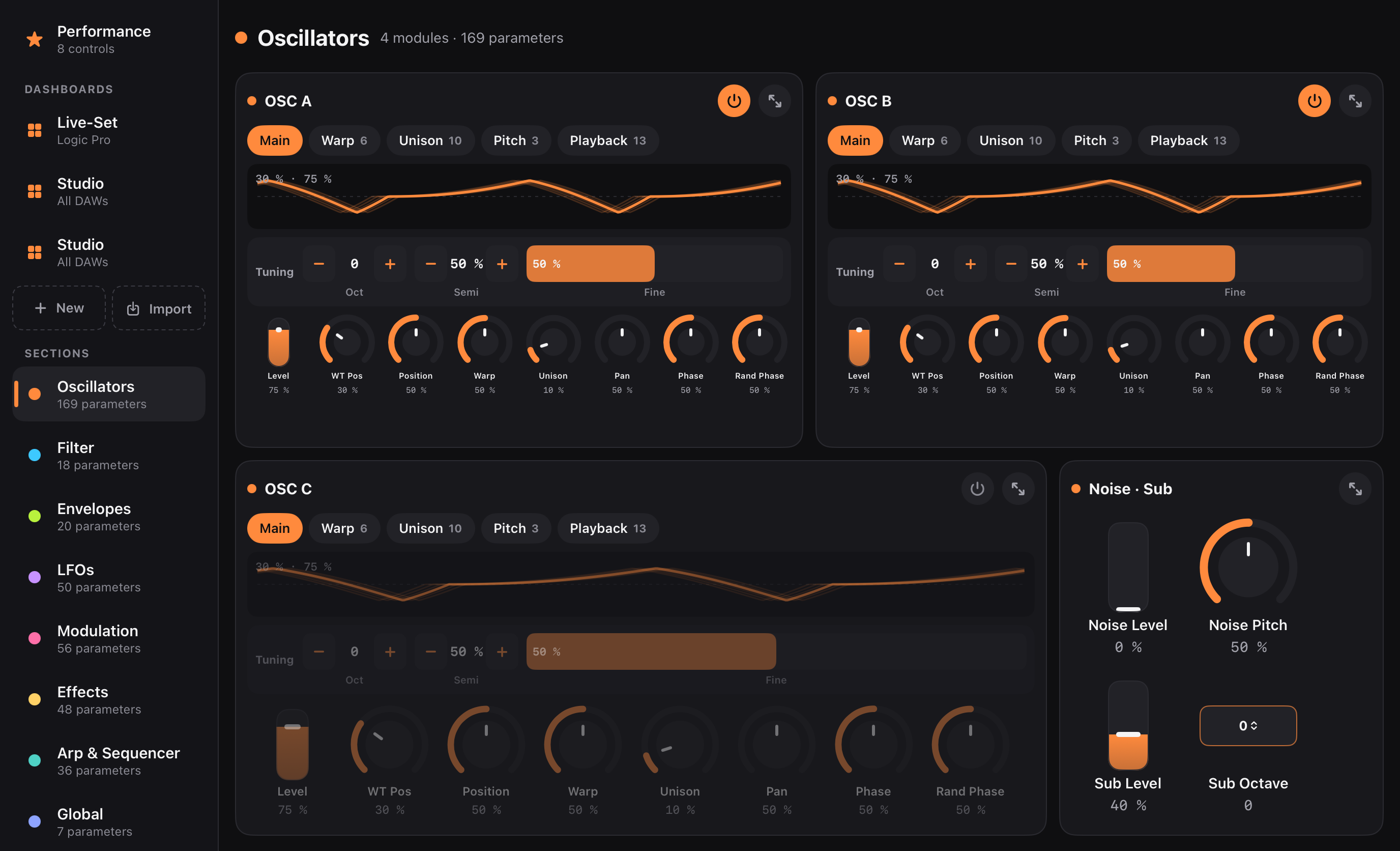
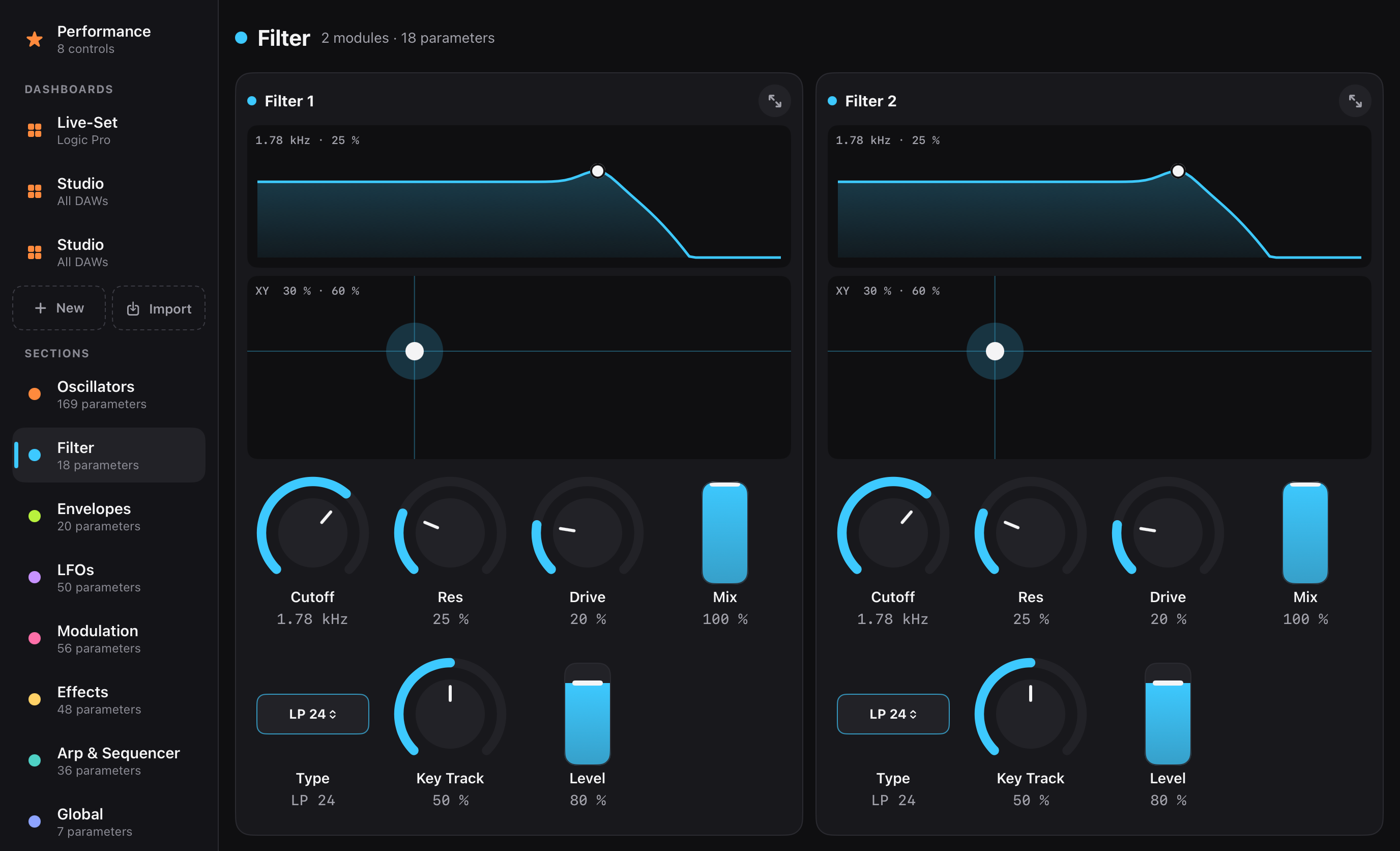
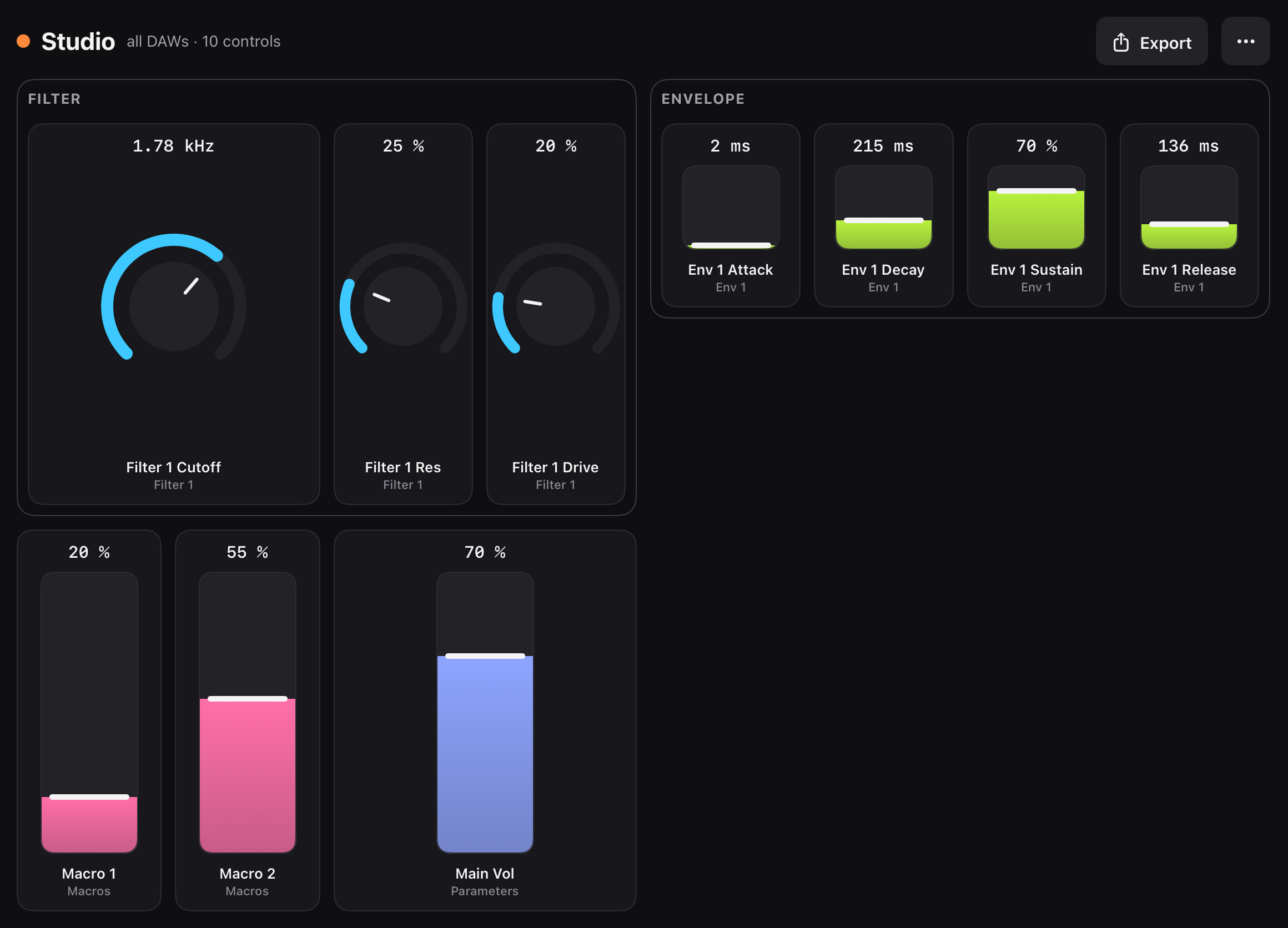
KnobShift turns the iPad into a hands-on controller for every plugin in Logic Pro and Ableton Live. Open a synth or effect, and its controls appear on the iPad, sorted into oscillators, filters, envelopes and effects. KnobShift uses MIDI 2.0 with 32-bit resolution, so filter sweeps are smooth instead of stepped. A free bridge for the Mac hosts the plugin and passes its parameters to the iPad.
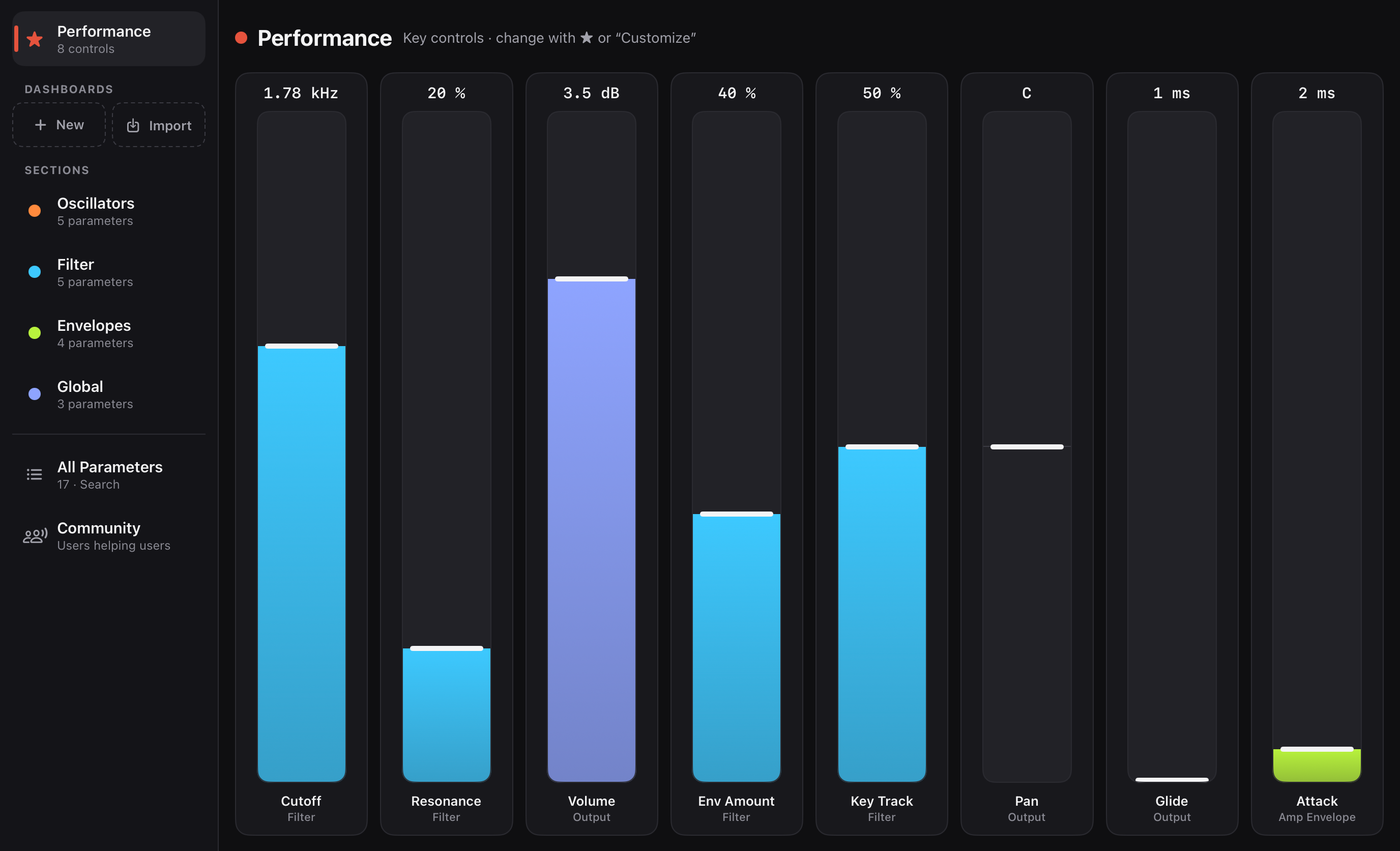
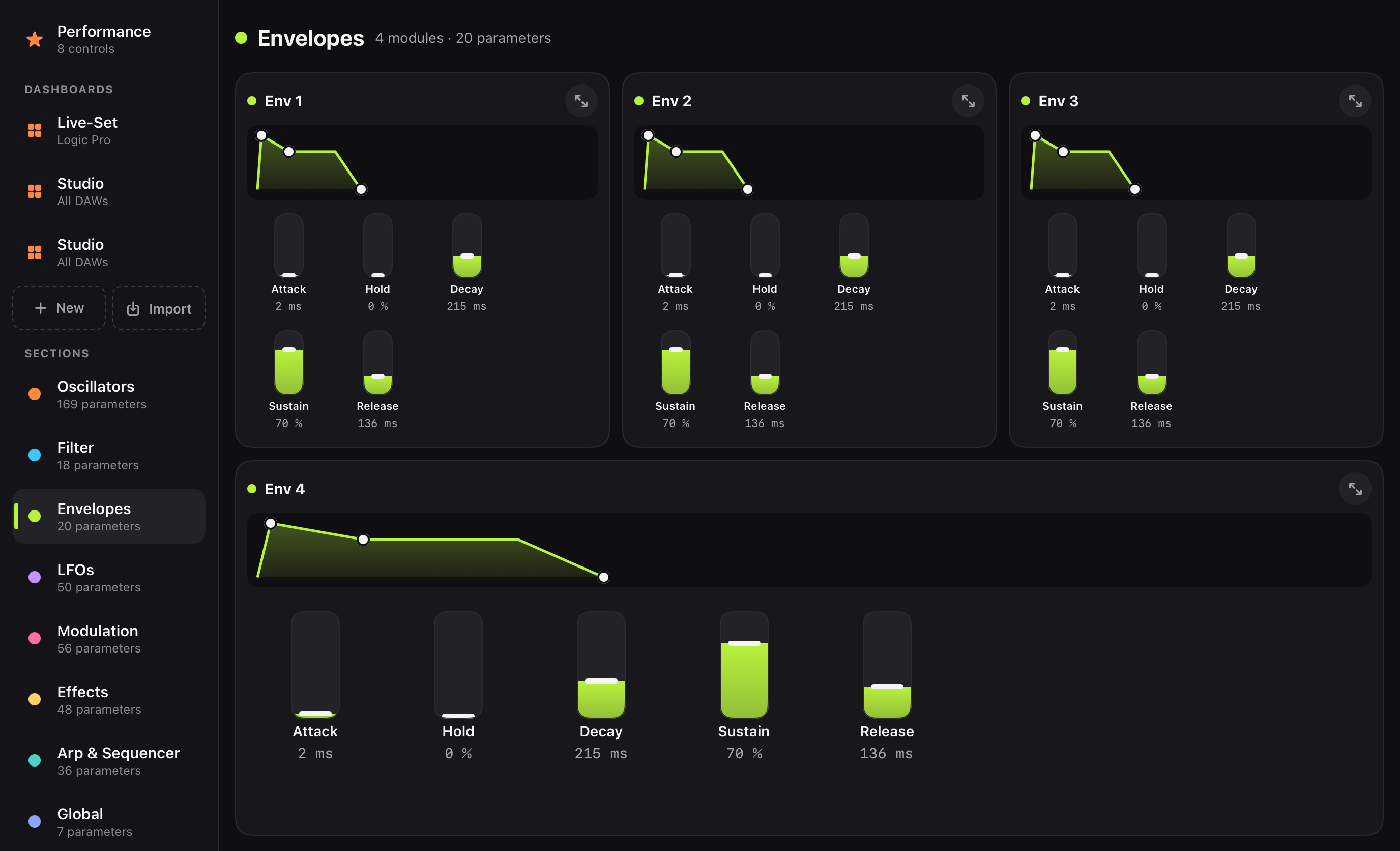
KnobShift turns the iPad into a hands-on controller for every plugin in Logic Pro and Ableton Live. Open a synth or effect, and its controls appear on the iPad, sorted into oscillators, filters, envelopes, LFOs and effects – no mapping, no templates to build. Envelopes and filters show up as curves you can drag, and a performance page puts the plugin’s macros on large faders. KnobShift uses MIDI 2.0 with 32-bit resolution, so sweeps and automation are smooth instead of stepped. A free bridge for the Mac hosts the plugin (Audio Unit in Logic Pro, VST3 in Ableton Live) and passes its parameters to the iPad over USB or Wi-Fi. With dashboards, musicians pick their own controls for each plugin and share them in the KnobShift community library. KnobShift is available in nine languages and is currently in beta testing.
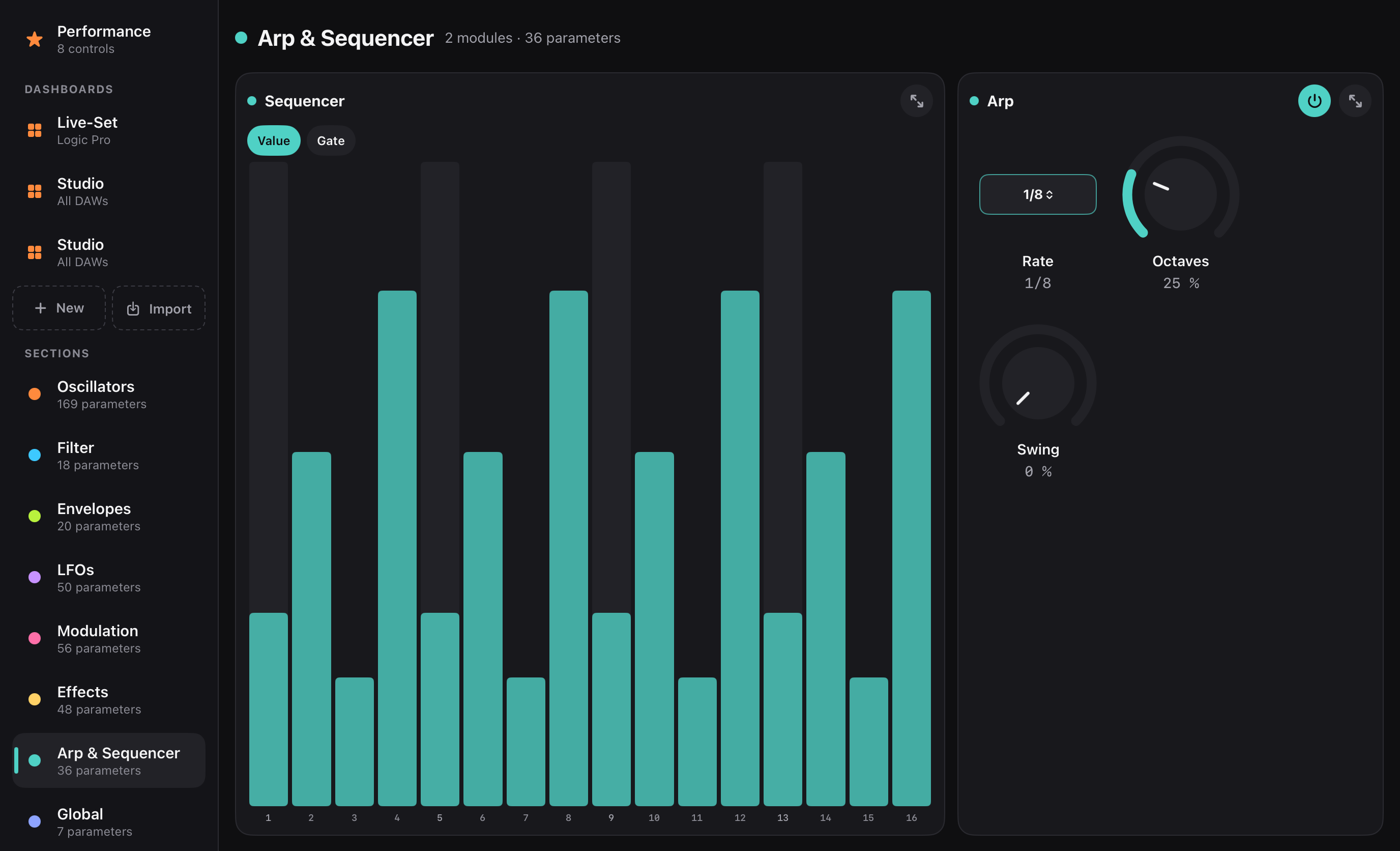
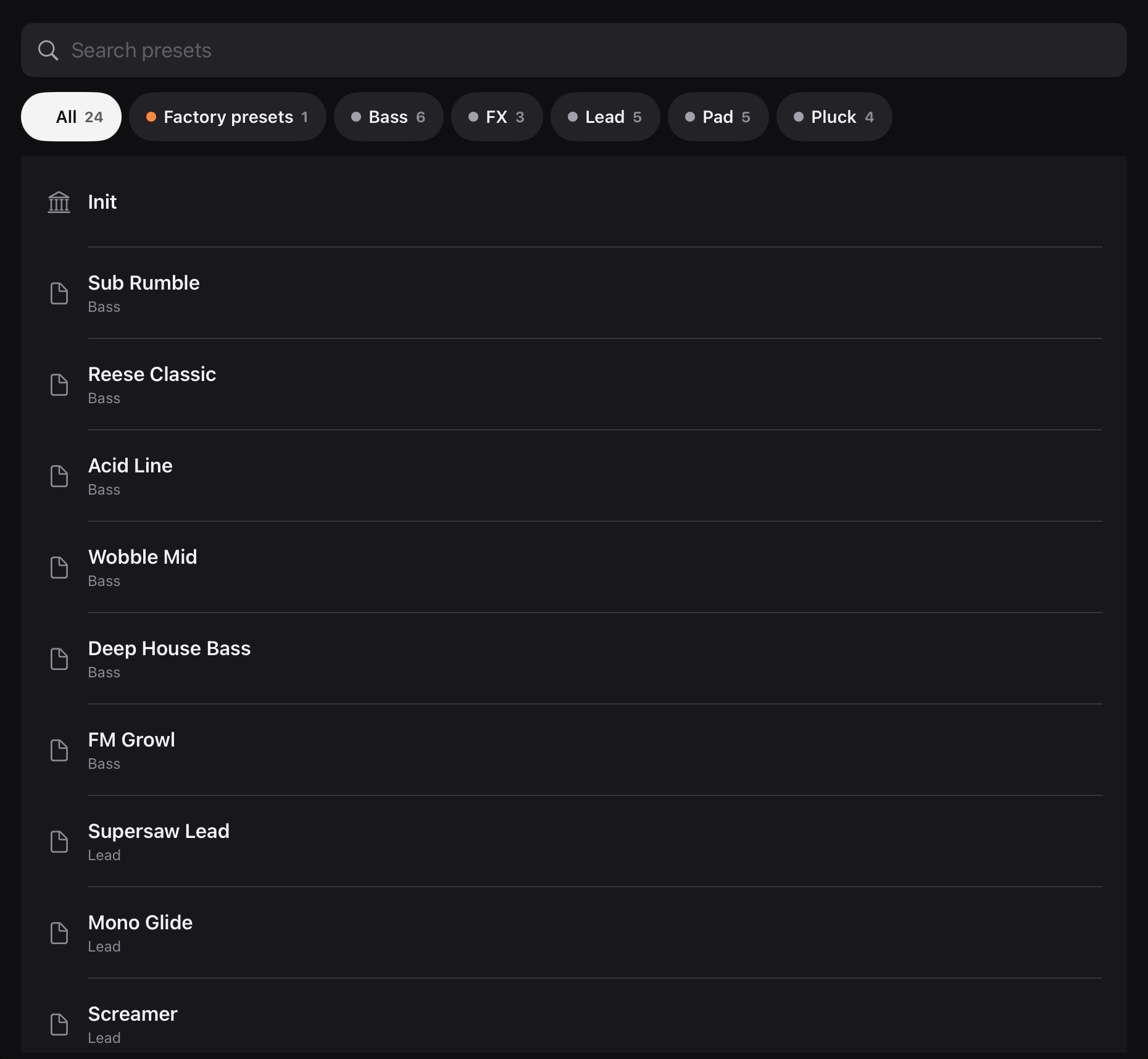
Real screenshots of the iPad app in demo mode. Click an image to download the full-resolution PNG.
#FF8A3D#3DC9FF#0F0F11#F5F5F7